Autodesk Fusion
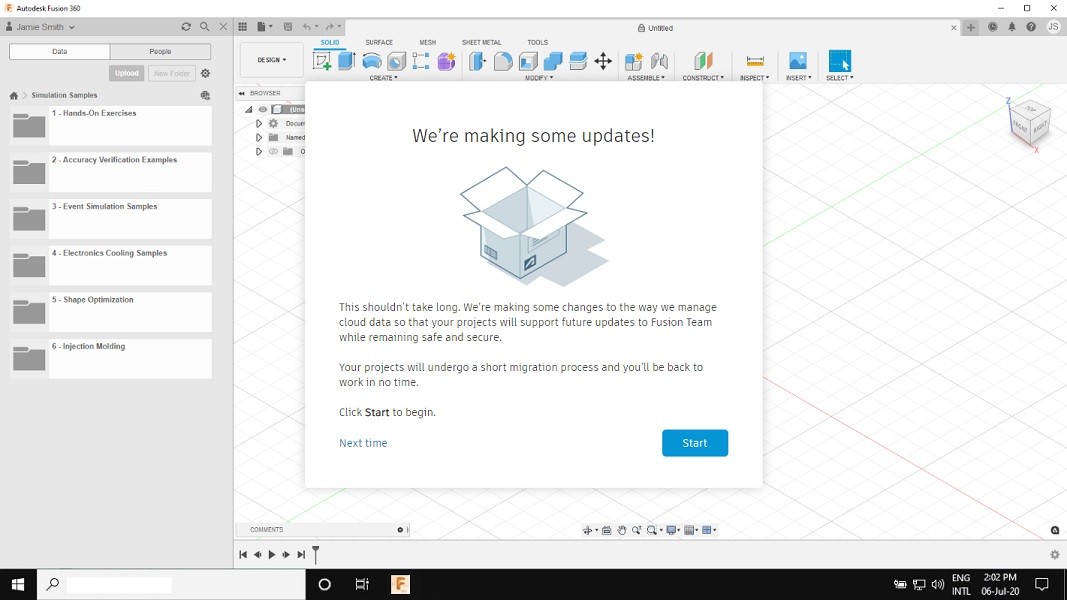
My work on Autodesk's Fusion 360 began with client-requested flows for project migration between accounts, but quickly grew into something bigger: investigating why users were struggling, wherever they were talking about it (support channels, social media, forums, YouTube tutorials) and turning those findings into flows and wireframes that fixed real, recurring pain points.
Role
UX Designer
Outcome
More than 15 common pain points have been resolved
Uncovering the Real Problem Through Research
My work on Fusion 360 started with a specific need: designing flows for migrating projects between different user accounts. But solving that problem well meant going beyond the brief the client gave me — it meant understanding what was actually frustrating users in the first place.
To get there, I ran research across every channel where users were talking: Autodesk's own help services, social media, internet forums, and other public sites. I read through comments and complaints to identify patterns, tracing each issue back to its root cause rather than just reacting to the symptom on the surface.


From Research to Working Solutions
Once I understood the real problems, I moved into planning user flows and wireframes, designed to be tested with real users and finally reviewed by the Autodesk team before implementation. This step-by-step process (research, flow, wireframe, testing, validation) meant every solution was grounded in what users had actually expressed, not assumptions.
That approach paid off across multiple issues, especially around file management between different accounts and the communication flow between Autodesk and its users via email. By solving problems at their source, the resulting flows didn't just patch symptoms, they addressed the friction users had been reporting all along.